Text to explainer video
Find the story.
Give it movement.
Text-to-explainer tools turn written ideas into a short animated film. Aivoken writes an editable script, draws each scene and plays the result in your browser — the film is the page, not a rendered file.
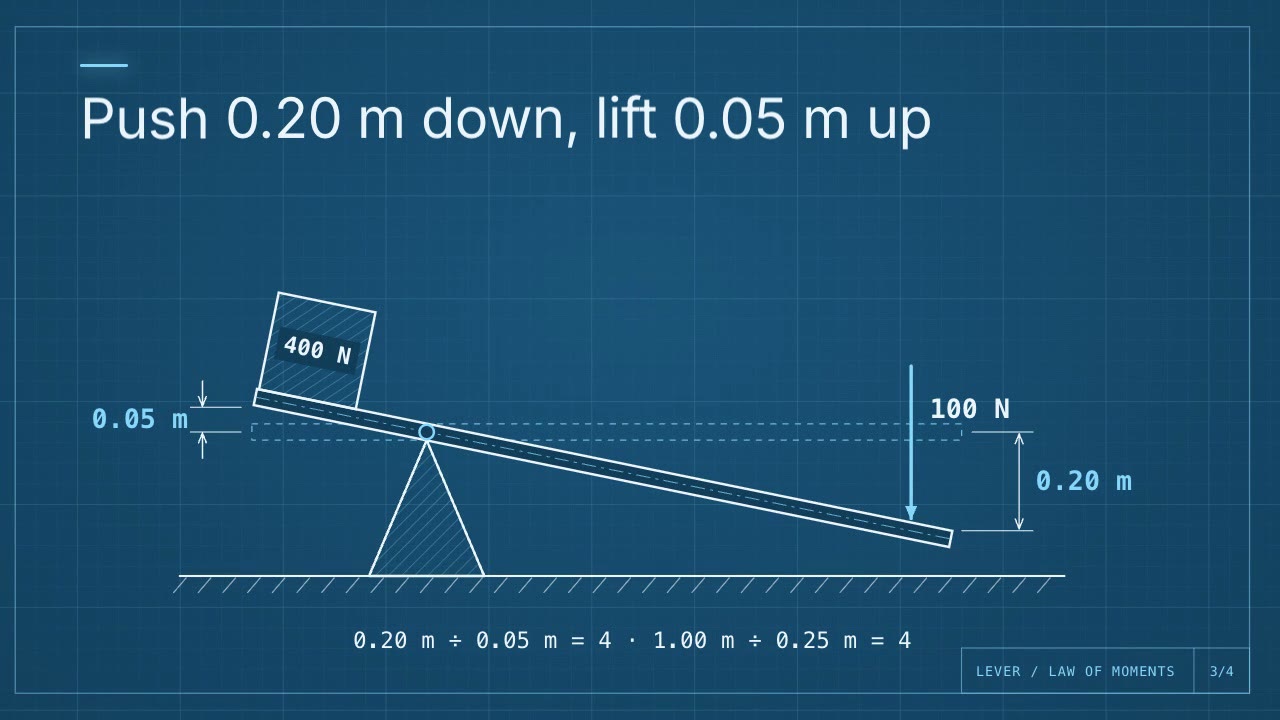
From a brief to a video.
One Studio for the script, the film and the watch page. Your project starts private.
Write the explanation
Enter a topic or paste notes. The agent drafts the script, or you write it yourself.
Watch and refine
The film plays as soon as the script exists. Ask the agent for changes or edit any line yourself; the film follows immediately.
Publish and share
Publish the saved version as a watch page anyone can play, or download the film as one HTML file that works offline.
Try a brief like this.
“Explain how to start a small reading habit in four short lines. Keep each line focused on one practical action.”
Questions.
Does the film include a voiceover or music?
No. Aivoken films are silent: the words are on screen. The script downloads as plain text if you want to record your own voice or add a soundtrack elsewhere.
Is this a text-to-video footage generator?
No. Aivoken animates your script with its own drawing and motion templates. It does not generate camera footage from a prompt.
Can I edit after publishing?
Yes. Every line stays editable and later edits stay private until you publish again. The public watch page keeps playing the version you approved.
Do I need to wait for a render?
No. There is no render step: the same HTML document powers the Studio preview and the public watch page, so changes appear immediately.
What can I download?
Manual editing and these downloads are free: the film as a self-contained HTML file, the script, a PNG for each line, an offline notes page or the project file. AI writing and drawing use creation credits.